Mastering QLab: Insights and Resources
Projects Team • December 5, 2023
Unlocking the Power of QLab: Insights and Resources from Our Intensive Training Workshop
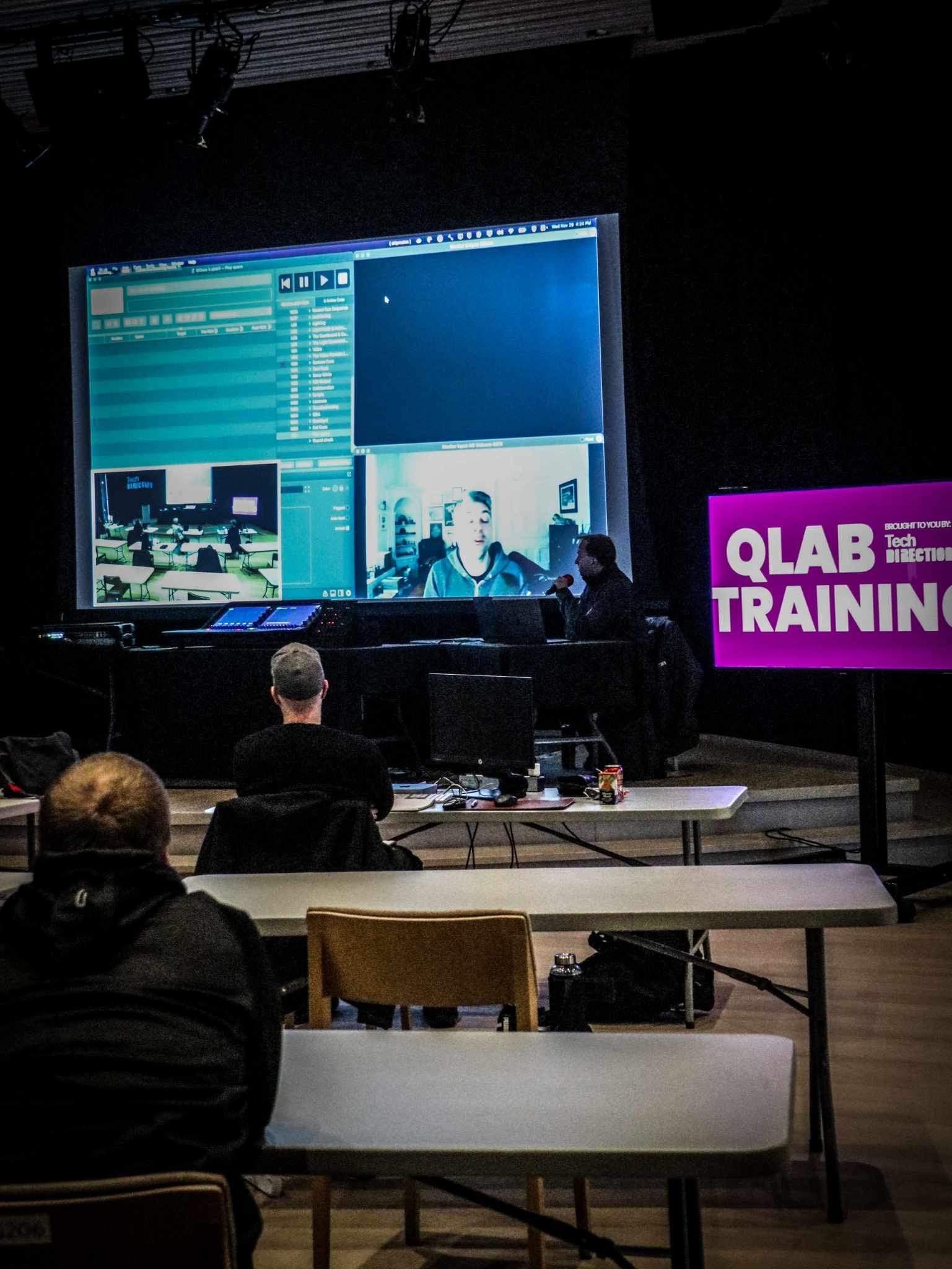
During our QLab Training sessions in the past week, quite a few QLab compatible devices, software packages, and helper tools were mentioned and, as promised, you can find a list of links below.
Interested in any of these products, looking for more information, or want personalized recommendations? Send us an email and we would be more than happy to help!
Software Tools
Audio Effects & Processing:
- Old Skool Reverb
- Glitchmachines' Fracture & Hysteresis
Audio Loopback Software
Used to patch audio between applications on the same mac
- Black Hole by Existential audio
Video Compression & Transcoding:
- Apple Compressor (Mac App Store link)
- Features & Information (web page)
- FFMPEG: Free & Open-source video encoding tools (command-line application)
- Ffmpeg.app: website for plain-language command search
Video Networking:
- NDI Tools: various software tools for working with NDI video
- NDI Scan Converter: Send a computer window from your mac over NDI to other devices
- Syphon: Send screen capture or an application window to other supported applications on the same mac
Computer Networking:
- ZeroTier virtualized networks: the VPN/virtual network used to connect Tech Direction MacBook with Sam’s mac in NYC during OSC remote control demonstrations
- Basic Computer Networking for the Theatre: from the QLab Manual
Software for OSC & MIDI:
- TheatreChat - Text chat via OSC
- Allen & Heath MIDI control - connect to and control Allen & Heath consoles via MIDI
Hardware Tools
Video capture and Output Devices
- Blackmagic Design: manufactures of capture and output devices supported officially by QLab
- Blackmagic Design Ultra Studio: thunderbolt SDI and HDMI video capture device line mentioned during training
MIDI Devices and Tools
- QLab Recommended MIDI interfaces from the manual
- iConnectivity Mio USB MIDI interface
- Kenton products - MIDI controllers, processors, and other tools
- ESI Midi interfaces
- TeamSound NYC: Sam’s physical MIDI controllers for show triggers and editing
- MIDI Solutions products are tools for working with MIDI devices: chaining many together, processing & routing signals, and taking care of other needs
Dante Audio Networking
- About Dante
- Nemesis Research Dante switch
- Autograph Signature Series: Dante & other audio switches/changeover devices, remote controls
- Studio Technologies Model 5202: Dante to headphones/line-out converter
- Fostex 6301 Dante Version: small active monitor speaker with Dante support
Mac Expansion, Audio Interfaces, and More Buttons
- Sonnettech - manufacturer of external Thunderbolt PCIe card enclosures (like the Echo Express mentioned by Sam). Used to connect PCIe cards (E.g. Blackmagic DeckLink cards) to your mac via Thunderbolt.
- Caberqu USB-C cable tester: find out if all headers are wired
- Loupedeck: customizable control surface & macro buttons for your computer
- Elgato Stream Deck: macro/shortcut button pad, available in various sizes
- Elgato Marketplace QLab Extensions - plugins for the official Stream Deck software
- Bitfocus Companion - Third-party, powerful editor for the Stream Deck
- Recommended QLab Cookbook reading
- Focusrite Scarlett Solo: small USB Audio interface from the popular Scarlett series
QLab Links:
Lighting control
- Supported DMX Interface list and introduction to connecting QLab with lighting systems (and other Art-Net or DMX controlled devices like projector dousers)
QLab Help & Reference
- QLab Manual: https://qlab.tips
- QLab OSC Dictionary and Queries
- QLab AppleScript Dictionary
- QLab YouTube Channel: https://qlab.tv
- QLab Accounts: https://qlab.app/account
- QLab Discussion List (Google Group/Mailing List)
- Code of Conduct
- QLab Remote App - control QLab from an iOS device (iPad, iPhone, etc)
- Go Button app - “QLab lite” for iOS
Join the conversation: #TechDirection
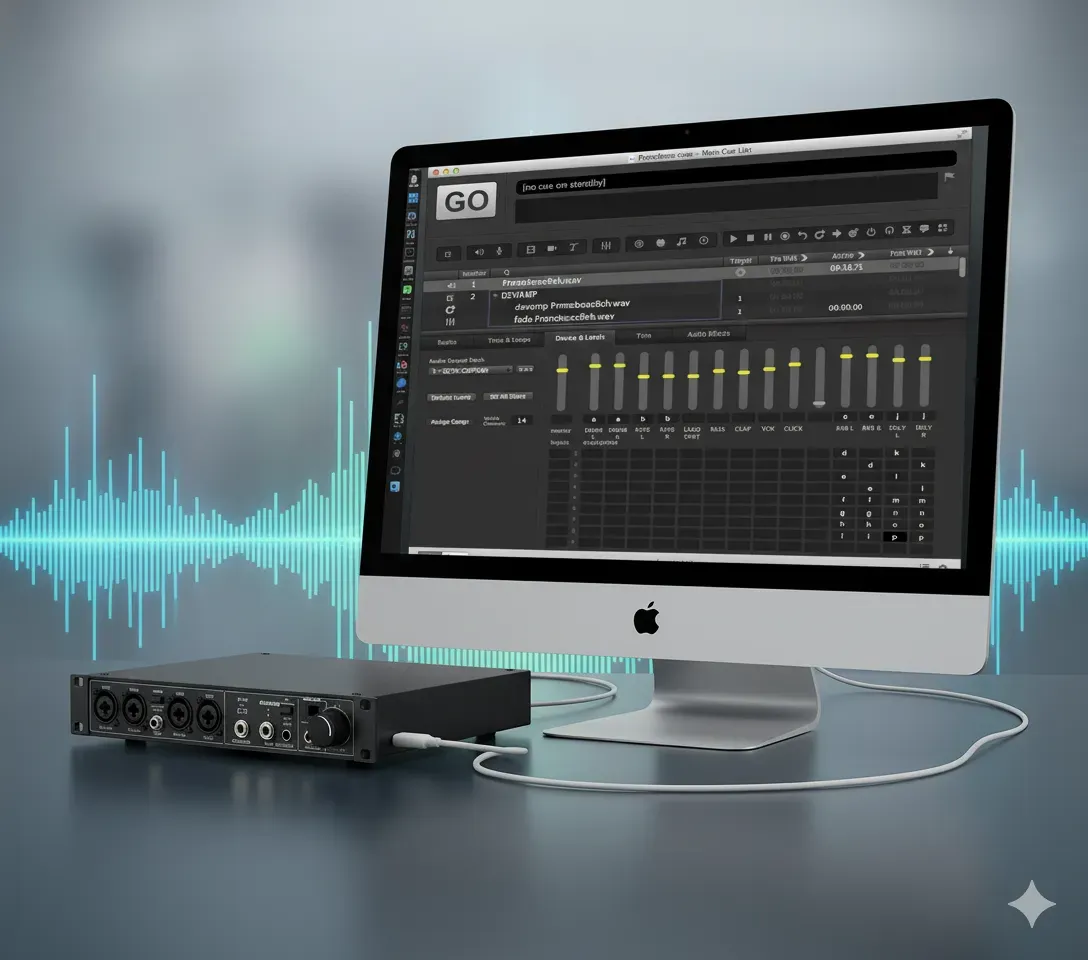
It’s tech week. Your show is built. You’ve got cues for the main PA, for the on-stage monitors, for the subs, and for the lobby speakers. You plug in your trusty 8-output USB audio interface, open your cueing software—be it QLab, Show Cue Systems (SCS) , Canvas , Multitracks Playback , or even OBS for video—and... it only sees two outputs. "Speakers (L/R)". You're losing time, the director is asking to hear the cue again, and you just need it to work. Don't panic. This is one of the most common and frustrating problems in pro audio, and the fix is almost always the same. Your hardware is not broken. The problem is your drivers and configuration. This guide will walk you through the fix for both Windows and MacOS . For MacOS Users (QLab): The Answer is Audio MIDI Setup
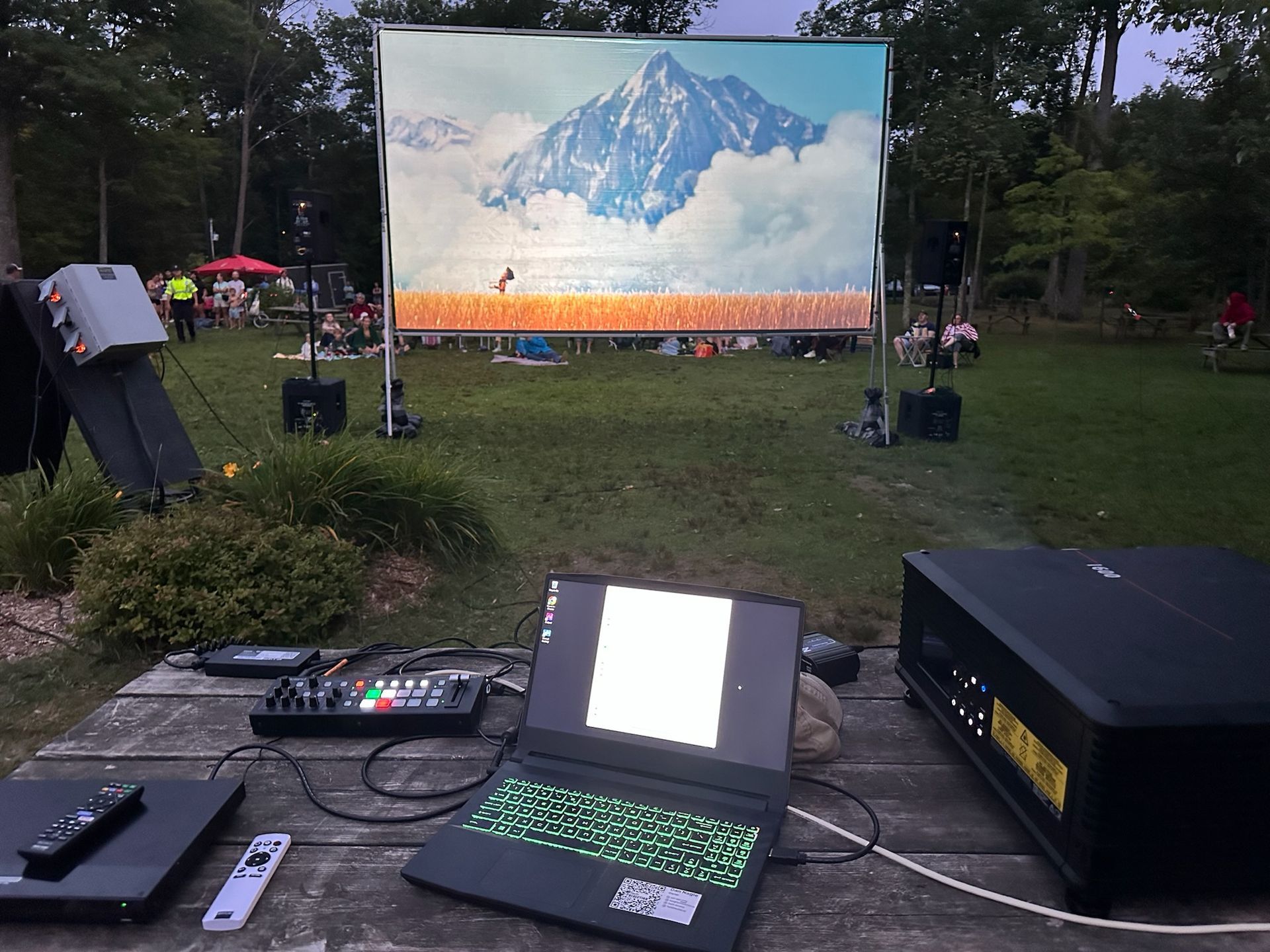
The way we watch movies is changing. Audiences are increasingly skipping the traditional big-box cinema, looking for a unique experience without the sticky floors and high-priced junk food. This shift has sparked a boom in pop-up screenings, from outdoor film festivals and municipal "movie in the park" nights to live theatres using their off-seasons to generate new revenue. No matter the venue or the season, the challenge for all these groups is the same: sourcing projection that is portable, bright enough to compete with ambient light, and delivers the stunning 4K experience audiences now expect.

This year's "Mission Impossible" Award goes to an individual who defied the odds, who stared down technical nightmares and emerged victorious. Their ingenuity transformed what seemed impossible into a breathtaking reality...
