
Official QLab Training with Figure 53 (Makers of QLab) by Tech Direction
Exciting News for Theatre Technicians and Designers!
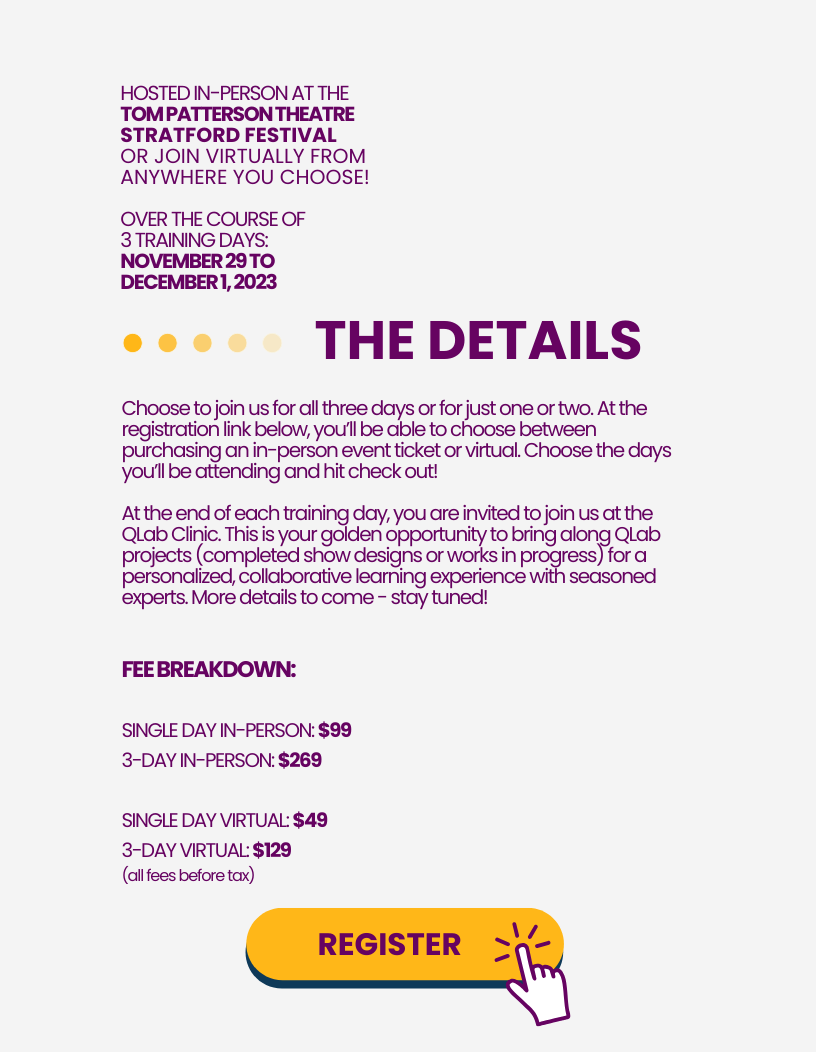
Tech Direction is thrilled to announce a unique opportunity for theatre professionals: an official QLab training session in collaboration with Figure 53, the creators of QLab itself! This is your chance to learn directly from the experts behind the most widely used software in theatre and live performance technology today.
Why This Training?
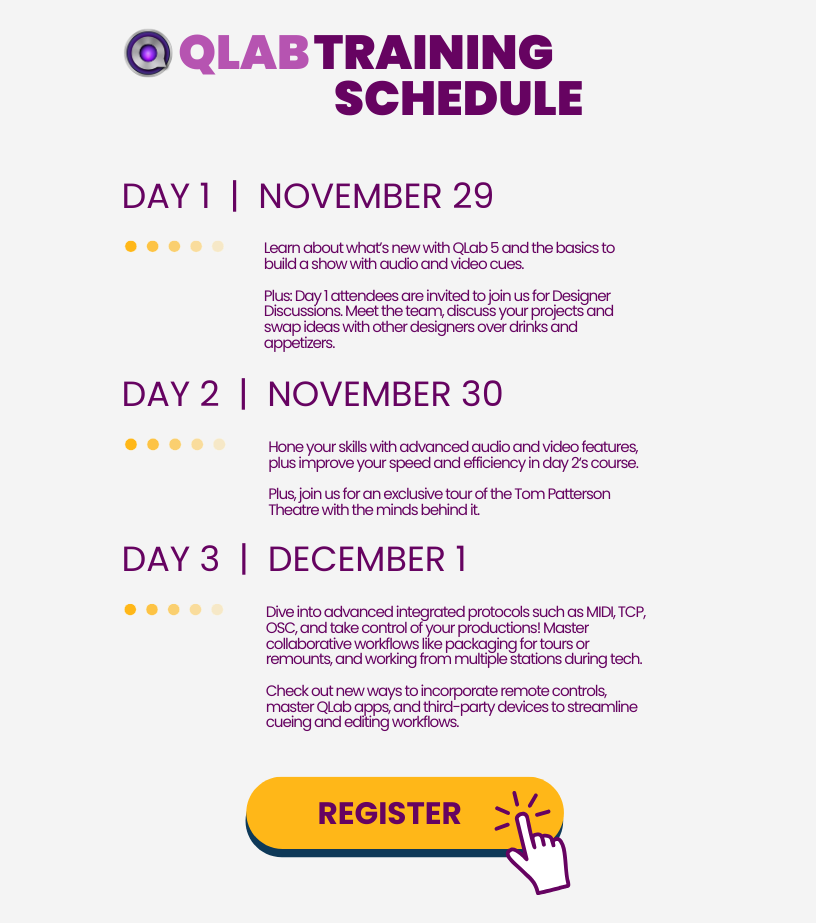
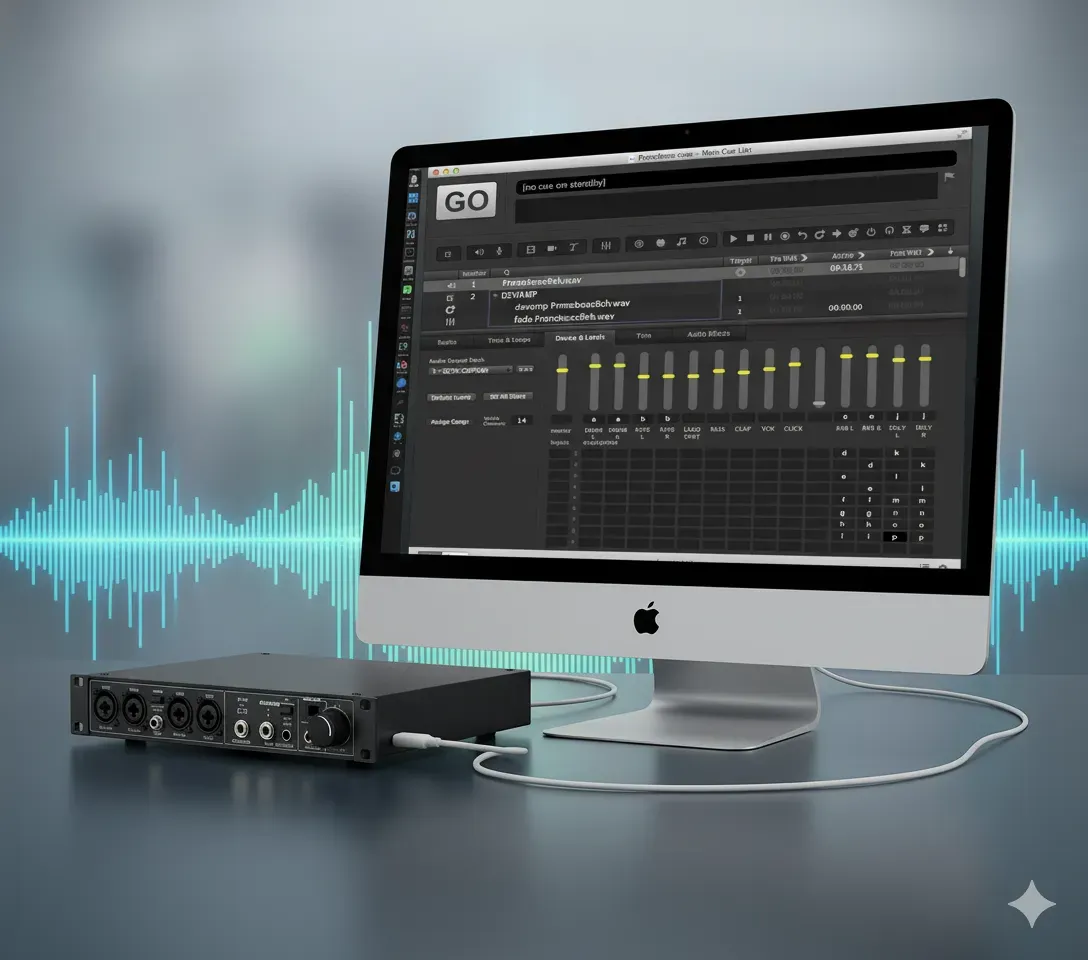
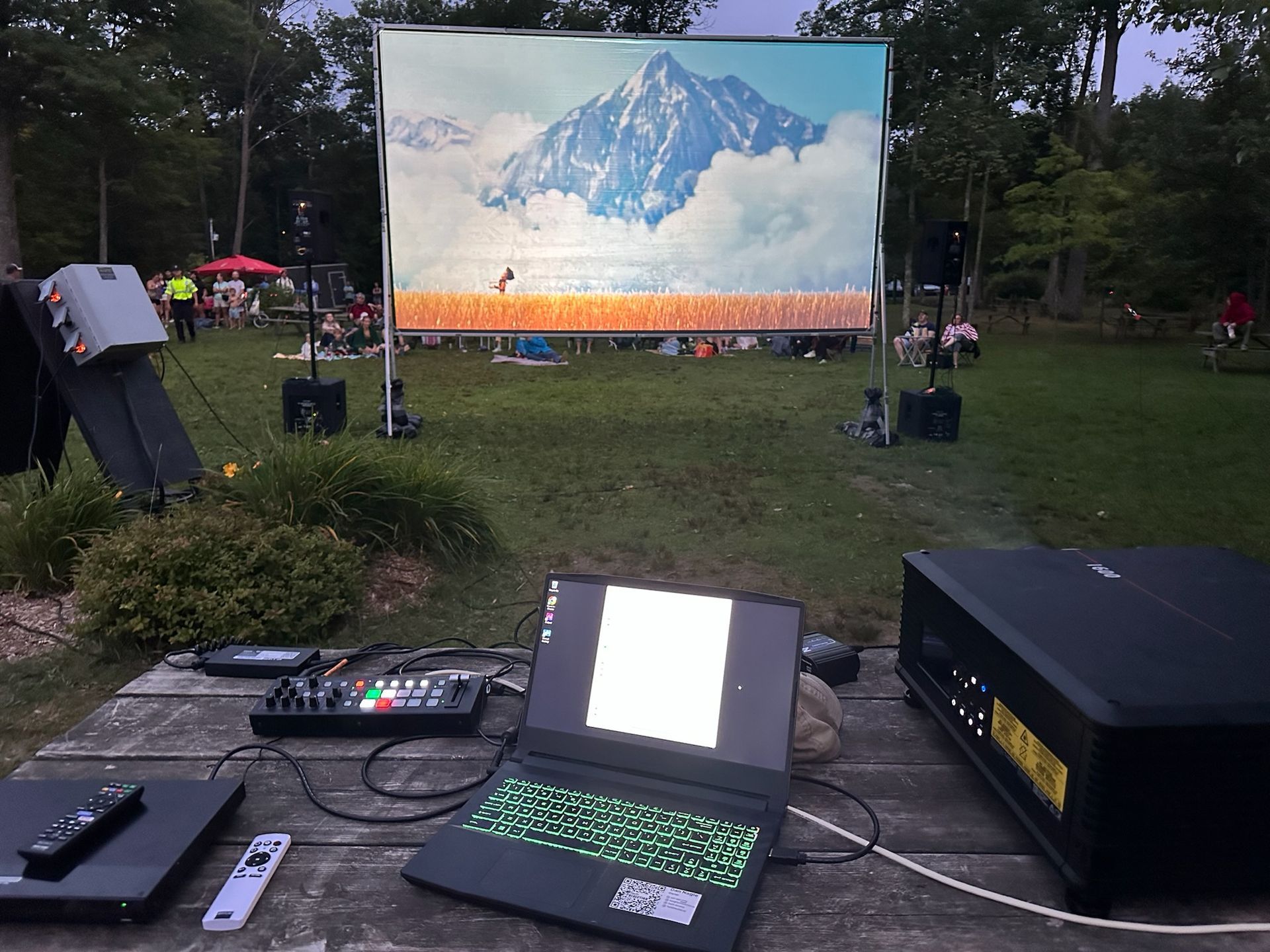
QLab is the backbone of sound and video design in theatres worldwide. Whether you're a seasoned professional or just starting out, understanding QLab is essential for anyone involved in technical theatre production. With the recent launch of QLab 5 (and 5.3 update), there's no better time to deepen your knowledge and skills.
Online or In Person:
🎨 Project Review Sessions: Open to in-person and online participants, bring your past or ongoing QLab projects to our daily review sessions at the end of each day of training. Think of it as "phone a friend" for professional advice on streamlining your workflow and infusing creativity into your projects.
💻 QCode Development (Nov 30 & Dec 1): Attend our advanced sessions on Days 2 and 3 (in person or online), and submit your QLab coding challenges. Our development team will work overnight, presenting you with innovative solutions on the morning of Day 3.
🔎 The Brains Behind-the-Scenes Tour (Nov 30): Be part of an intimate technical tour of the Tom Patterson Theatre at Stratford Festival led by the visionaries who worked on the design of the theatre’s state-of-the-art systems. This will be an in-person walk through that those attending online can follow via livestream. It’s a rare chance to learn what tech goes into a new theatre focused on technical excellence!
In Person Only - Special Event:
🤝 Designer Discussions and Drinks (Nov 29): After the first day’s training, join us for an invite-only gathering in Stratford. Mingle with top sound and video designers, discuss your upcoming projects, and gain exclusive insights to elevate your designs.
Virtual Participants: Join Our Live Stream QLab Training from Western Canada!
For our participants in Western Canada, we're excited to offer a flexible streaming option for our QLab training! No matter where you are, you can join the sessions at your convenience the same day of the event. Engage with the training material live or asynchronously—rewind, pause, and play to match your learning pace. Plus, you'll have the opportunity to ask questions and participate fully in the experience. Note that the recording links will go dead at the end of each day as these sessions are not going to be posted in their entirety.
We particularly encourage you to join us for the afternoon session on Zoom starting at 1:30pm, where live participation will bring even more value to your learning experience. Don't miss out on this chance to enhance your tech skills with the convenience of remote access!
This event is more than just training; it’s a chance to connect, collaborate, and spark innovation with peers and pioneers alike.
The Trainer
The training will be led by Sam Kusnetz from Figure 53, who has an in-depth knowledge of QLab and it's newest features. His insights are invaluable, providing you with tips, tricks, and best practices that you won't find anywhere else.
Who Should Attend
This training is ideal for:
- Sound and Video Designers
- Technical Directors
- Stage Managers
- Anyone in the theatre and live performance industry looking to upskill
Registration
Reserve your spot now by clicking here and take your QLab expertise to an extraordinary new level.
We can't wait to welcome you to what promises to be a first-of-it’s-kind technical theatre event.
Stay Ahead of the Curve with Tech Direction and Figure 53!
Register Now | Contact Us for More Info | \
Join the conversation: #TechDirection