
TheatreMix 101 Training - Presented by Tech Direction

Projects Team • January 14, 2024

Learn the ins and outs of TheatreMix from James Holt, the brains behind the software


Take a deep dive into how TheatreMix solves many pains of running theatrical productions on live audio consoles with developer James Holt, presented by Tech Direction.


Sign up for future training sessions, book a meeting for technical theatre design services, or get in touch:

Get Training Notifications Book a meeting

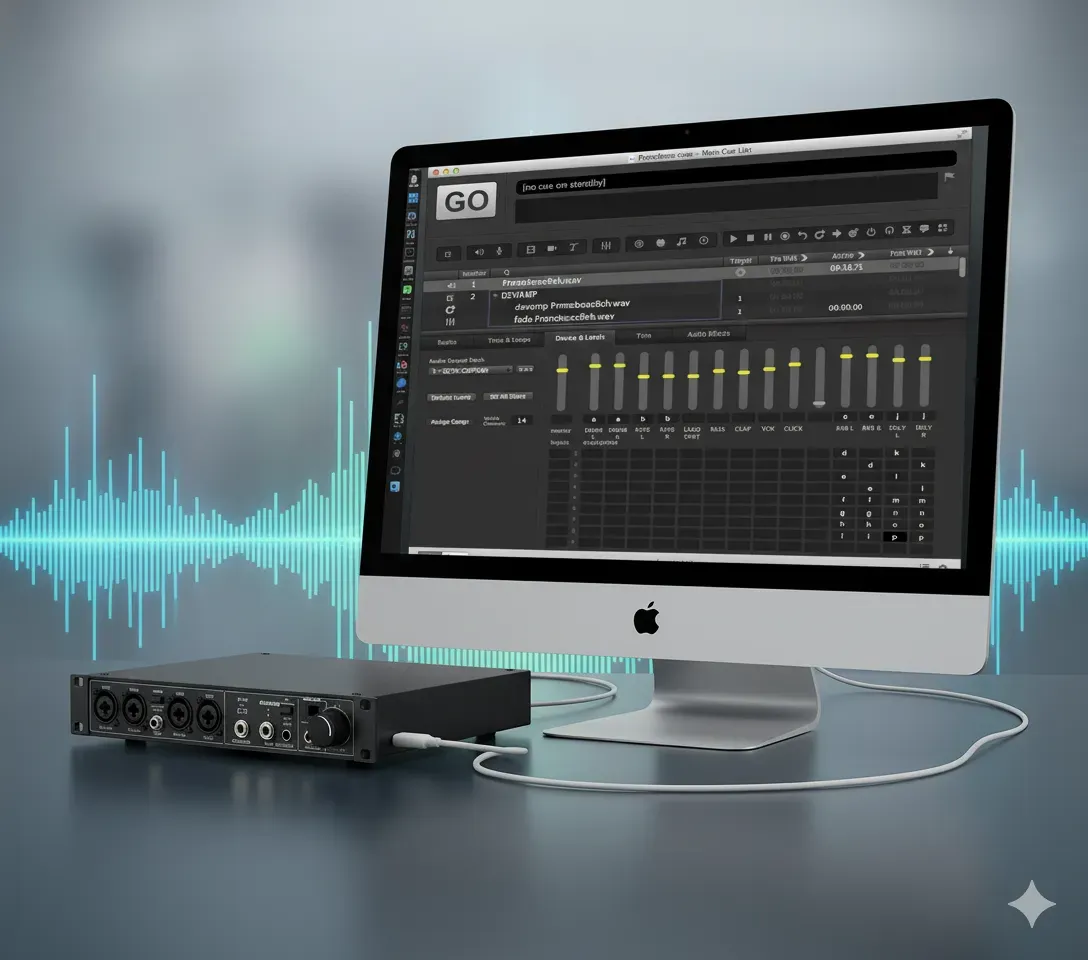
TheatreMix creates and runs DCA cues, automating tedious snapshot programming so you can focus on the mix. It is a Mac OS and Windows application that supports over 25 digital audio mixing consoles using DCAs. Read more about TheatreMix


Looking for support or to join the discussion? Check out the "TheatreMix Users" group on Facebook


Tech Direction's mission is to empower creators to develop elevated experiences through innovative technology and design.


Thank you to James and TheatreMix for sharing, and to the Stratford Festival and IATSE local 357 for hosting us at the Tom Patterson Theatre. This session was recorded live on November 28, 2023.


Join the conversation: #TechDirection

  • What is TheatreMix?

    TheatreMix is a software tool for mixing theatre sound, designed to simplify the process and improve control over audio elements in a theatrical production.

  • What consoles can I use TheatreMix with?

    As of the date of writing, January 12, 2024, TheatreMix supports control of the following consoles:


    Behringer

    X32, X32 Compact, X32 Producer, X32 Rack, X32 Core, WING


    Midas

    M32, M32, M32R, M32C


    Allen & Heath

    SQ, SQ-5, SQ-6, SQ-7, GLD, GLD-80, GLD-112, Avantis, dLive, DM0, DM32, DM48

    DM64, CDM32, CDM48, CDM64


    Yamaha

    TF1, TF3, TF5, QL1, QL5, CL1, CL3, CL5


    You can find more information on console support at TheatreMix's website.

  • How does TheatreMix enhance sound mixing in theatre productions?

    TheatreMix enhances sound mixing by allowing dynamic assignment of microphones to VCAs (Voltage Controlled Amplifiers), improving control and flexibility for the sound operator.

  • When do I need to purchase a license?

    Editing, saving, viewing, and creating a show file on your own computer is always free, as is connecting to a Behringer X32 or Midas M32 console!


    Connecting to any other supported console requires the purchase of a weekly license from TheatreMix.


    There is an annual cap on license fees per console family, and free trials are available to test functionality.

  • What if I need more information or personalized recommendations?

    For further information or personalized recommendations, you can send us an email, we're more than happy to assist.


    For those already using TheatreMix, there is a fantastic user's group on Facebook, and additional support through the developer.

  • How does TheatreMix handle the complexity of mixing multiple microphones in theatre?

    TheatreMix allows for detailed control of microphones, enabling sound operators to dynamically manage multiple mics efficiently, especially in complex scenes.

  • Can TheatreMix adapt to changes in actor performances or scene dynamics?

    Yes, TheatreMix offers the flexibility to adapt to variations in actor performances and scene dynamics, ensuring consistent audio quality.

  • Is TheatreMix compatible with both macOS and Windows?

    Yes, TheatreMix is designed to be compatible with both macOS and Windows operating systems.

  • Can TheatreMix be used in productions of various sizes?

    TheatreMix is versatile and can be used in productions of all sizes, from community theatre to large commercial productions.

  • Does TheatreMix require extensive sound mixing experience?

    While some experience in sound mixing is beneficial, TheatreMix is designed to simplify the process, making it accessible to a wider range of users.

  • Can TheatreMix and QLab trigger each other or work together?

    Yes, TheatreMix can work in conjunction with QLab, a popular sound, video, and lighting control software for theatre.


    You can use TheatreMix to trigger QLab or vice versa with OSC. If you need help setting this up, feel free to reach out to us.

November 5, 2025
It’s tech week. Your show is built. You’ve got cues for the main PA, for the on-stage monitors, for the subs, and for the lobby speakers. You plug in your trusty 8-output USB audio interface, open your cueing software—be it QLab, Show Cue Systems (SCS) , Canvas , Multitracks Playback , or even OBS for video—and... it only sees two outputs. "Speakers (L/R)". You're losing time, the director is asking to hear the cue again, and you just need it to work. Don't panic. This is one of the most common and frustrating problems in pro audio, and the fix is almost always the same. Your hardware is not broken. The problem is your drivers and configuration. This guide will walk you through the fix for both Windows and MacOS . For MacOS Users (QLab): The Answer is Audio MIDI Setup
November 3, 2025
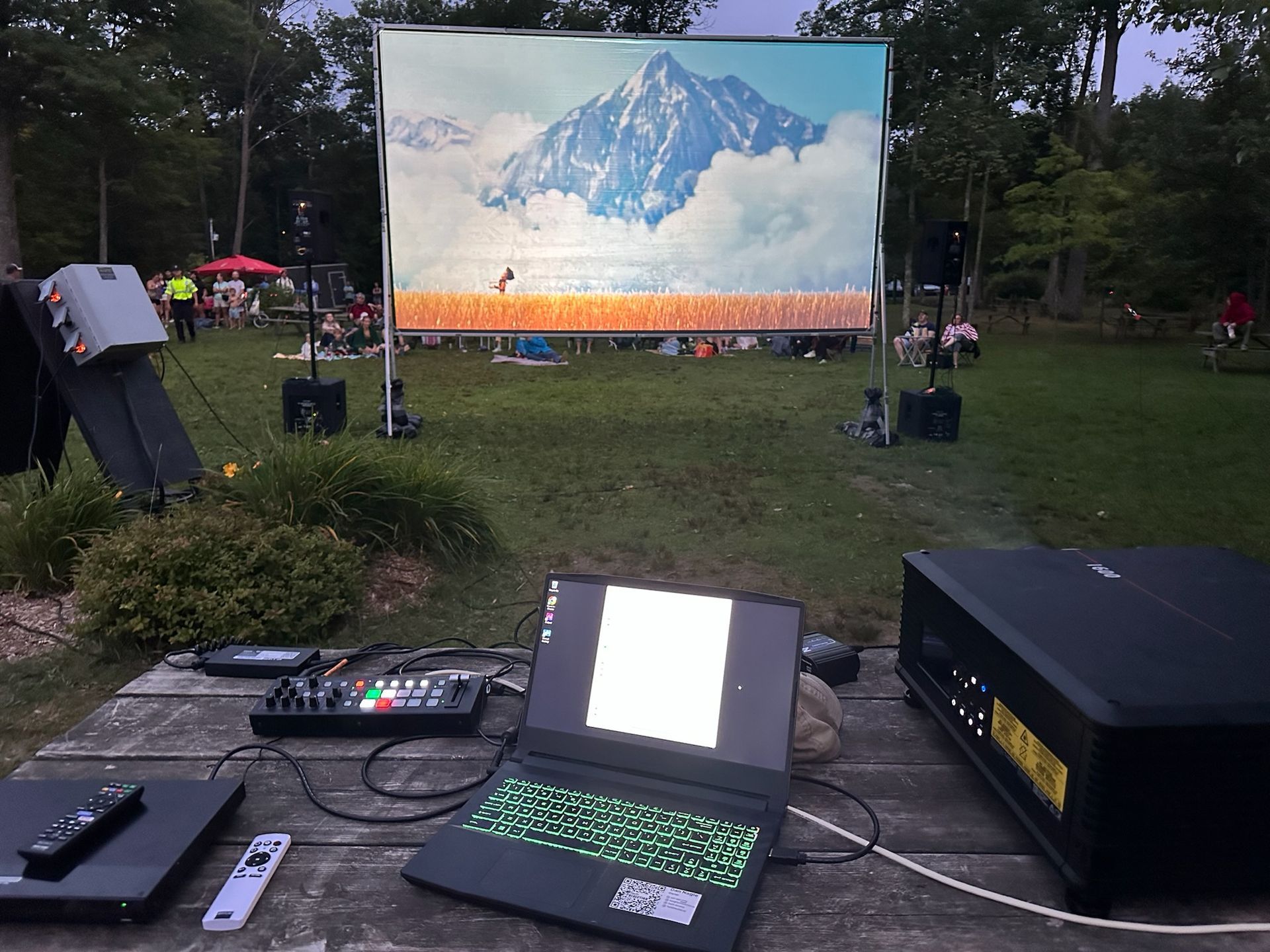
The way we watch movies is changing. Audiences are increasingly skipping the traditional big-box cinema, looking for a unique experience without the sticky floors and high-priced junk food. This shift has sparked a boom in pop-up screenings, from outdoor film festivals and municipal "movie in the park" nights to live theatres using their off-seasons to generate new revenue. No matter the venue or the season, the challenge for all these groups is the same: sourcing projection that is portable, bright enough to compete with ambient light, and delivers the stunning 4K experience audiences now expect.
October 16, 2025
This year's "Mission Impossible" Award goes to an individual who defied the odds, who stared down technical nightmares and emerged victorious. Their ingenuity transformed what seemed impossible into a breathtaking reality... 
More Posts