Beyond the Lab: Canvas Advanced Audio Cueing | By Tech Direction

May 30, 2025

Beyond the Lab: Canvas Advanced Audio Cueing | By Tech Direction


Explore the new world of audio innovation with Canvas by Avae! Watch on as we showcase its cutting-edge sound design features with Chris Baine, known for his audio software design powering the Sphere.


Sign up for future training sessions, book a meeting for technical theatre design services, or get in touch:


Get Training Notifications Book a meeting


About Canvas

Canvas by Avae is an advanced sound design and show control software optimized for live performances, now in its 2.0 Beta release. It's a versatile tool designed to work on multiple operating systems, including Mac and Windows, with Linux support forthcoming. This software facilitates collaboration by allowing multiple users to work on the same project simultaneously without the need for screen-sharing, thanks to its built-in client/server networking and chat features. Canvas is equipped with a fully functioning digital audio workstation (DAW), redesigned cue lists for targeted actions, multi-track audio editing, real-time control systems, and support for a variety of protocols like OSC, Midi, and Ableton Link. This makes it an invaluable asset for creating dynamic and immersive sound designs in theater productions.

avae.io/


About Chris Baine

Chris worked with Sphere Entertainment as the Principle Audio Platform Developer on the Advanced Engineering team, and also is the founder of AVAE. Chris created and developed AVAE's first product, Canvas, which is software for sound designers to create, build, and run sound for live performances. He has over 20 years’ experience in professional theater, working with companies around the country such as The Guthrie Theatre, Shakespeare Theatre Company, Marin Theatre Company, Woolly Mammoth Theatre, Studio Theatre, Folger Theater, HERE Theater, and the Kennedy Center Theater for Young Artists. Chris recently received the inaugural UNCSA Artpreneur of the Year Award for Canvas, and have four Helen Hayes Awards and seven nominations for sound designs he has created in the Washington, DC region. He was a fellow with the Kenan Institute at the Kennedy Center, and graduated from University of North Carolina School of the Arts with a BFA in Sound Design.


Tech Direction's mission is to empower creators to develop elevated experiences through innovative technology and design.


Thank you to Chris Baine for leading this session and to ‪Lighthouse Festival for hosting us in Port Dover, ON.

  • What is Canvas?

    Canvas by Avae is an advanced sound design and show control software optimized for live performances, now in its 2.0 Beta release. It's a versatile tool designed to work on multiple operating systems, including Mac and Windows, with Linux support forthcoming. This software facilitates collaboration by allowing multiple users to work on the same project simultaneously without the need for screen-sharing, thanks to its built-in client/server networking and chat features. Canvas is equipped with a fully functioning digital audio workstation (DAW), redesigned cue lists for targeted actions, multi-track audio editing, real-time control systems, and support for a variety of protocols like OSC, Midi, and Ableton Link. This makes it an invaluable asset for creating dynamic and immersive sound designs in theater productions.

    avae.io/

  • I'm looking for a QLab alternative for Windows or Linux. Is Canvas compatible?

    Yes! Canvas by Avae is designed for multi-operating system use. It currently supports Mac and Windows, with Linux support forthcoming. This offers greater flexibility compared to Mac-only solutions.

  • Does Canvas offer real-time collaboration features similar to QLab 5, or even beyond?

    Canvas is built for collaboration. It allows multiple users to work on the same project simultaneously without needing screen-sharing, thanks to its built-in client/server networking and chat features. This can streamline workflows for complex productions.

  • My current show control software feels limited in its audio capabilities. Does Canvas include a full DAW?

    Absolutely. Canvas by Avae features a fully functioning Digital Audio Workstation (DAW) integrated into the software. This allows for advanced sound design and multi-track audio editing directly within your show control environment.

  • How does Canvas handle cueing? Is it as robust as QLab for complex sequences?

    Canvas features redesigned cue lists engineered for targeted actions, providing sophisticated control over your show elements. Combined with its real-time control systems, it's built for creating dynamic and immersive sound designs in demanding live performance settings.

  • We use a variety of control protocols. What does Canvas support?

    Canvas supports a variety of industry-standard protocols, including OSC, MIDI, and Ableton Link, ensuring it can integrate smoothly into diverse existing and new technical setups.

  • Who is behind Canvas? What's their expertise in audio and show control?

    Canvas is developed by Avae, founded by Chris Baine. Chris has over 20 years of experience in professional theatre and currently works with Sphere Entertainment as the Principal Audio Platform Developer. His extensive background in sound design for major productions and software development (powering the Sphere) is embedded in Canvas's DNA.

  • Is Canvas suitable for professional theatre productions, similar to how QLab is often used?

    Definitely. Canvas is specifically optimized for live performances and theatrical productions. Its advanced sound design features, robust cueing, multi-user collaboration, and real-time control make it an invaluable asset for theatre. Chris Baine's extensive theatre background, including work with numerous prestigious companies and multiple awards, underscores its design for professional use.

  • I find managing complex audio designs challenging. How can Canvas help simplify this?

    With its integrated DAW, multi-track audio editing, and redesigned cue lists, Canvas aims to streamline complex audio workflows. The ability for real-time control and collaborative editing can also significantly simplify the process of building and running intricate sound designs.

  • Is there an opportunity to learn more about Canvas or get training?

    Yes, Tech Direction, which showcased Canvas in the "Beyond the Lab" video, offers future training sessions. You can also book meetings for technical theatre design services or get in touch with us at yourfriends@techdirection.com. Additionally, you can learn more about Canvas itself at avae.io.

  • How does Canvas compare to QLab in terms of innovation, especially considering its connection to projects like the Sphere?

    While QLab is a well-established tool, Canvas, under the guidance of Chris Baine (known for his audio software design powering the Sphere), represents a new wave of innovation in audio and show control. It emphasizes features like true cross-platform collaboration from the ground up and a fully integrated DAW, potentially offering new levels of flexibility and power for cutting-edge productions.

  • Where can I get help with Canvas sound design/show control software or advice on the design of technical systems for my productions?

    For Canvas software  support, troubleshooting, and user tips, join the official Discord. The link can be found on the Canvas website.


    For free expert consultation on audio, control, lighting, and video equipment and technical system design for your live productions, email yourfriends@techdirection.com.


November 5, 2025
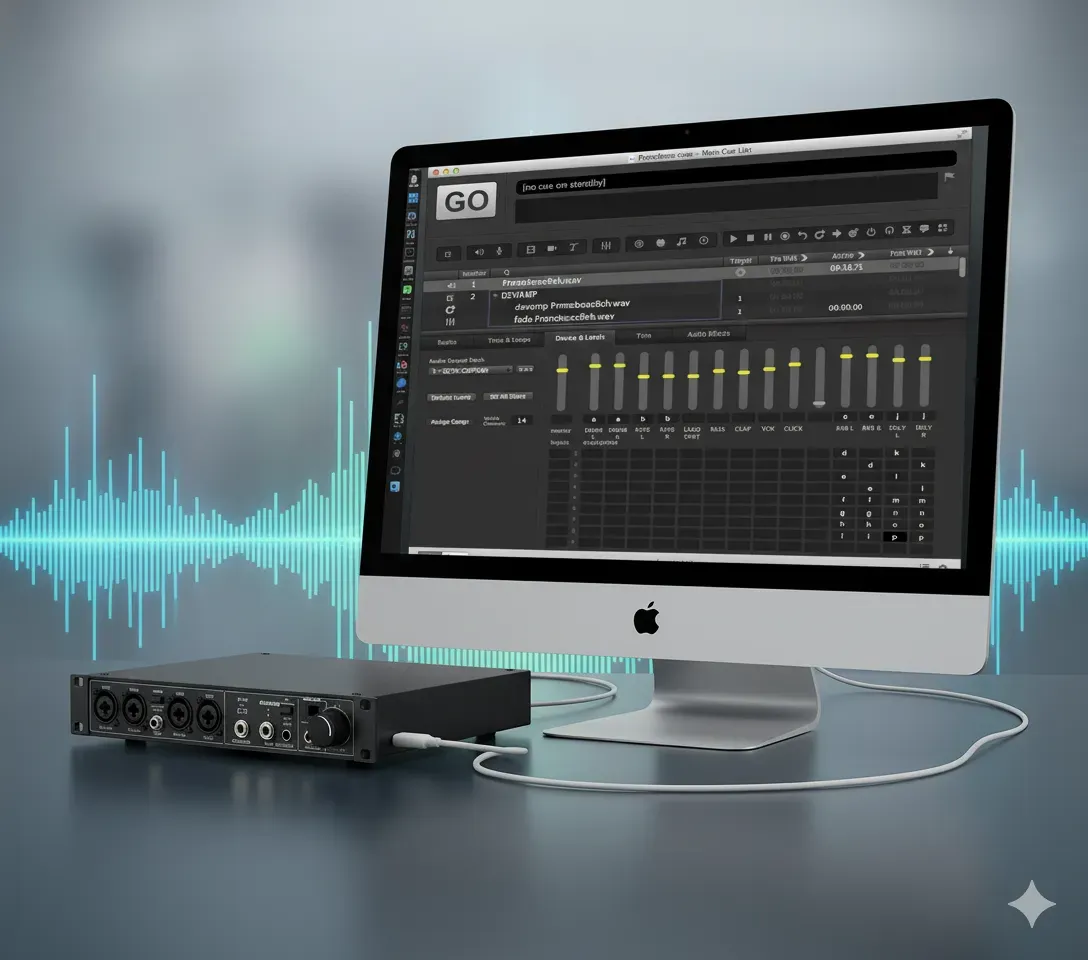
It’s tech week. Your show is built. You’ve got cues for the main PA, for the on-stage monitors, for the subs, and for the lobby speakers. You plug in your trusty 8-output USB audio interface, open your cueing software—be it QLab, Show Cue Systems (SCS) , Canvas , Multitracks Playback , or even OBS for video—and... it only sees two outputs. "Speakers (L/R)". You're losing time, the director is asking to hear the cue again, and you just need it to work. Don't panic. This is one of the most common and frustrating problems in pro audio, and the fix is almost always the same. Your hardware is not broken. The problem is your drivers and configuration. This guide will walk you through the fix for both Windows and MacOS . For MacOS Users (QLab): The Answer is Audio MIDI Setup
November 3, 2025
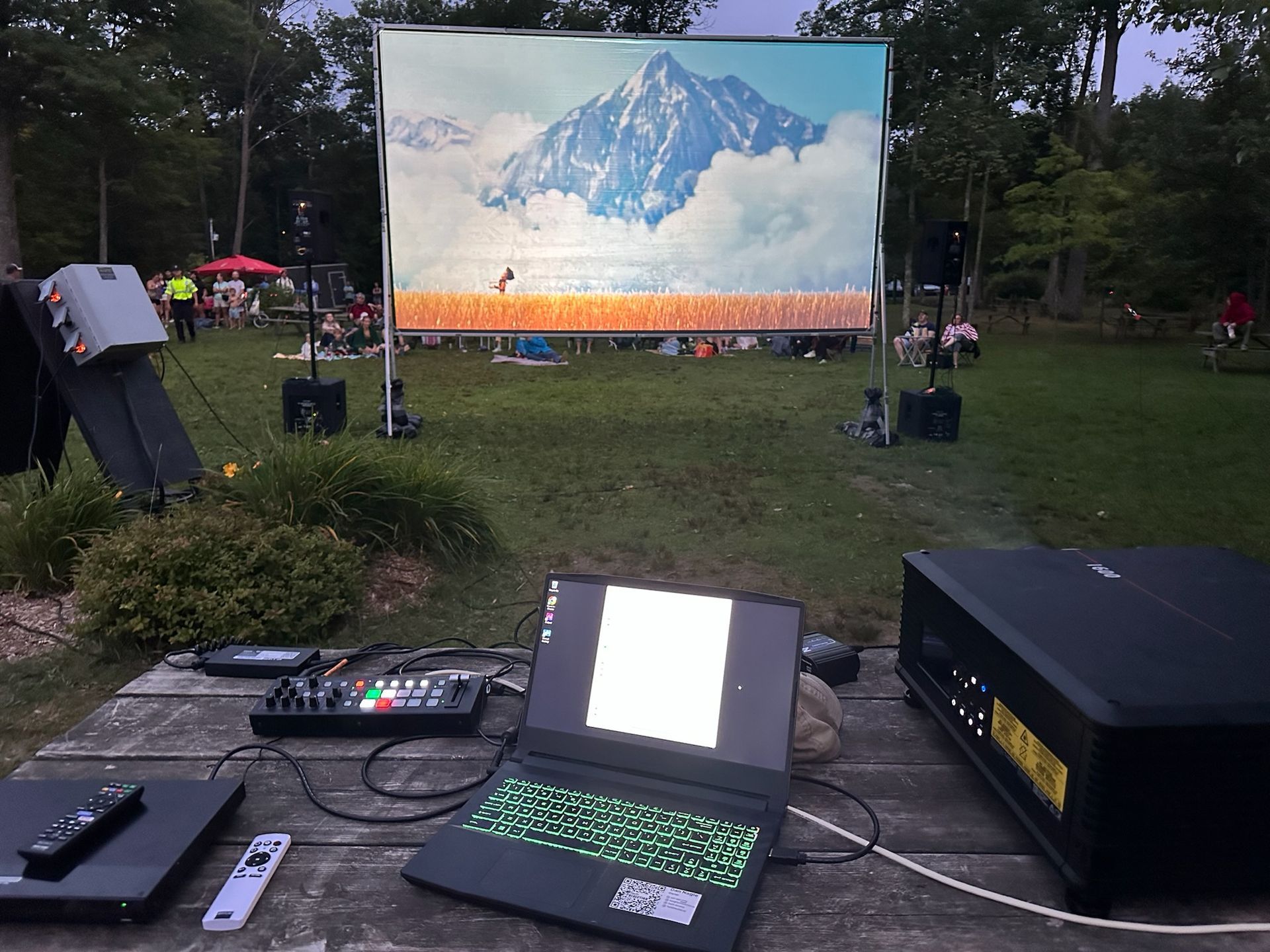
The way we watch movies is changing. Audiences are increasingly skipping the traditional big-box cinema, looking for a unique experience without the sticky floors and high-priced junk food. This shift has sparked a boom in pop-up screenings, from outdoor film festivals and municipal "movie in the park" nights to live theatres using their off-seasons to generate new revenue. No matter the venue or the season, the challenge for all these groups is the same: sourcing projection that is portable, bright enough to compete with ambient light, and delivers the stunning 4K experience audiences now expect.
October 16, 2025
This year's "Mission Impossible" Award goes to an individual who defied the odds, who stared down technical nightmares and emerged victorious. Their ingenuity transformed what seemed impossible into a breathtaking reality... 
More Posts